
Placed an order on ClicksOrbit and wondering where it is? Tracking your order is quick and simple — no login required. Here’s a step-by-step guide to check your order status in seconds.
Why Track Your Order?
Order tracking gives you real-time visibility into your delivery — so you know exactly when to expect your smart gadget, whether it’s your wireless earbuds, portable air cooler, or table fan.
Step-by-Step: How to Track Your Order
Step 1: Locate Your Order ID
Check your email or SMS confirmation sent right after you placed the order. This message contains your unique Order ID.
Step 2: Visit the Track Order Page
Go to the Track Order page on ClicksOrbit. You’ll find this link in the site header and footer for easy access anytime.
Step 3: Enter Your Order Details
Enter your Order ID along with the billing email address you used during checkout.
Step 4: View Your Order Status
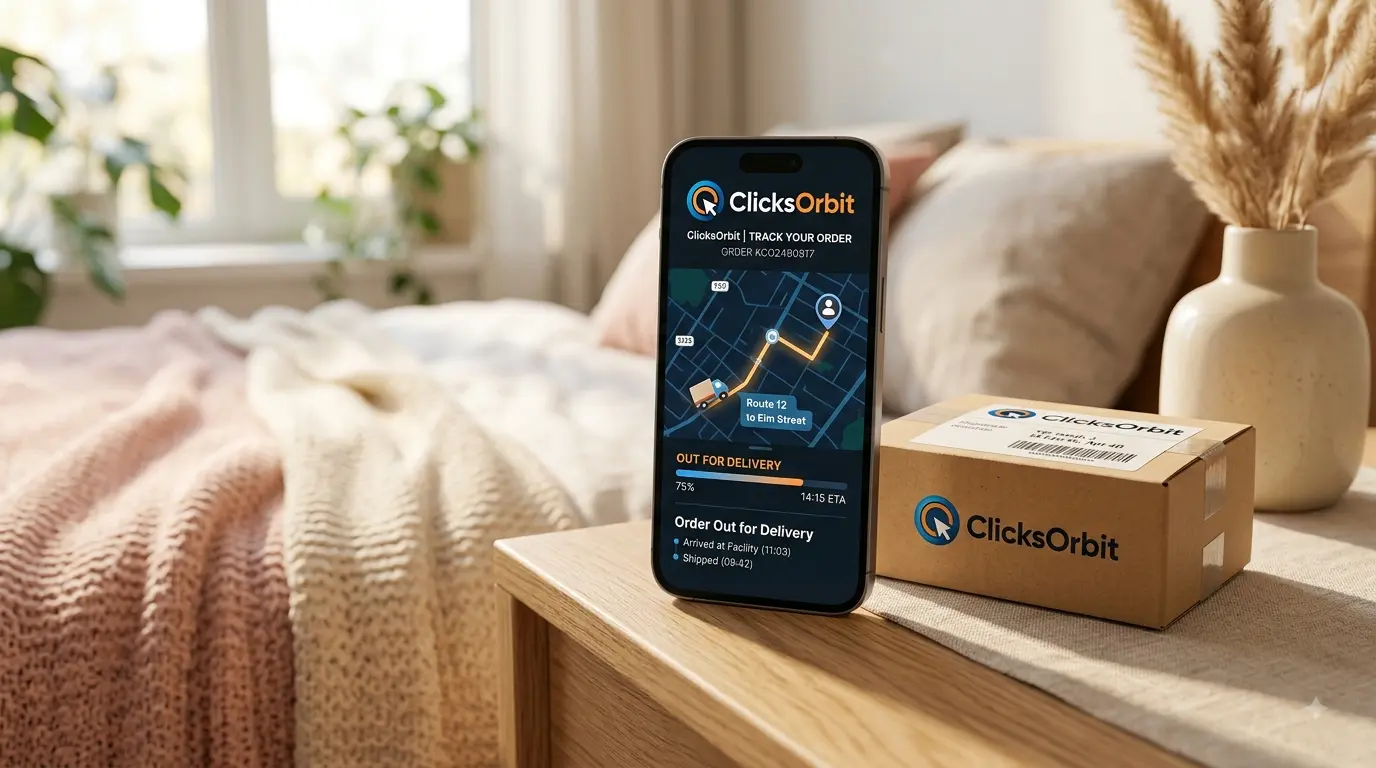
Click submit and instantly see your current order status — Processing, Shipped, Out for Delivery, or Completed.
Frequently Asked Questions
I don’t have my Order ID. What do I do?
Check your registered email inbox (including spam/promotions folder) for the order confirmation. You can also reach out via our Contact Us page for help.
How long does delivery usually take?
Most orders are delivered within 5-7 business days. See our full Shipping Policy for details.
Can I cancel or return my order after placing it?
Yes, refer to our Refund Policy for eligibility and steps to request a return or refund.
What does each order status mean?
- Processing — Your order has been received and is being prepared for dispatch.
- Shipped — Your package has left our facility and is on its way to you.
- Out for Delivery — Your order is with the courier and will arrive today.
- Completed — Your order has been successfully delivered.
Can I track my order without creating an account?
Yes. ClicksOrbit’s Track Order page works with just your Order ID and email — no account or login required. If you do want an account, you can also log in with your phone number via OTP on our Login page.
What if my order status hasn’t updated in a while?
Order statuses are updated as your package moves through each stage of delivery. If it hasn’t changed in more than 2-3 business days, reach out to our team via the Contact Us page and we’ll look into it right away.
Tips for a Smooth Tracking Experience
- Always double-check the email address you enter matches exactly what you used at checkout.
- Save your Order ID somewhere handy (screenshot the confirmation email) right after placing an order.
- Add our support email to your contacts so confirmation emails don’t land in spam.
- Bookmark the Track Order page for quick access on your next purchase.
Final Thoughts
Tracking your ClicksOrbit order takes less than a minute. If you ever run into an issue, our support team is just a message away on the Contact Us page. Ready to shop more smart gadgets? Browse our full Store for wireless earbuds, portable air coolers, table fans, and more.